Intel Pentium Processor
Fresh stories, announcements and offers about Computer Repair Service, Computer club, Computer Shop, straight from our business.
We’ll make no assumptions here and keep this article on a level that anyone can understand. You might be shopping for a computer and simply wondering what the heck SSD actually means? To begin, SSD stands for Solid State Drive. You’re probably familiar with USB memory sticks - SSD can be thought of as an oversized and more sophisticated version of the humble USB memory stick. Like a memory stick, there are no moving parts to an SSD. Rather, information is stored in microchips. Conversely, a hard disk drive uses a mechanical arm with a read/write head to move around and read information from the right location on a storage platter. This difference is what makes SSD so much faster. As an analogy, what’s quicker? Having to walk across the room to retrieve a book to get information or simply magically having that book open in front of you when you need it? That’s how an HDD compares to an SSD; it simply requires more physical labor (mechanical movement) to get information.
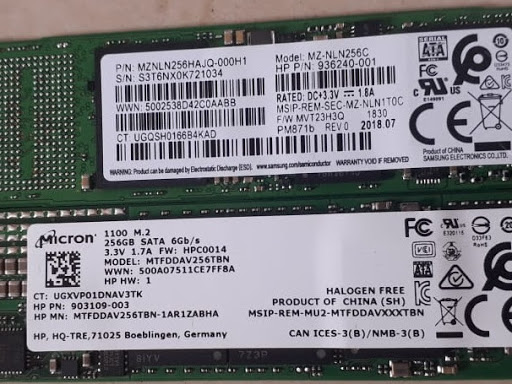
Most people now buy laptops for their computing needs and have to make the decision between getting either a Solid State Drive (SSD) or Hard Disk Drive (HDD) as the storage component. So which of the two is the better choice, an SSD or HDD? There’s no straight-forward answer to this question; each buyer has different needs and you have to evaluate the decision based on those needs, your preferences, and of course budget. Even though the price of SSDs has been falling, the price per gigabyte advantage is still strongly with HDDs. Yet, if performance and fast bootup is your primary consideration and money is secondary, then SSD is the way to go. For the remainder of this article, we will make a comparison of SSD and HDD storage and go over the good, the bad, and the ugly of both,


You’ve crafted your business plan and secured the necessary equipment to get your small business off the ground. But your company can’t start soaring until you figure out how to handle transactions with your customers. Luckily, today’s point-of-sale (POS) systems are much more than the iPad equivalent of a cash register. Whether you’re opening a café, retail shop, or gourmet food truck, there is a POS system that will fit the needs of your start-up.

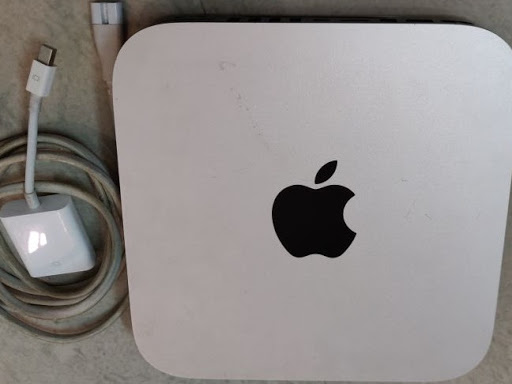
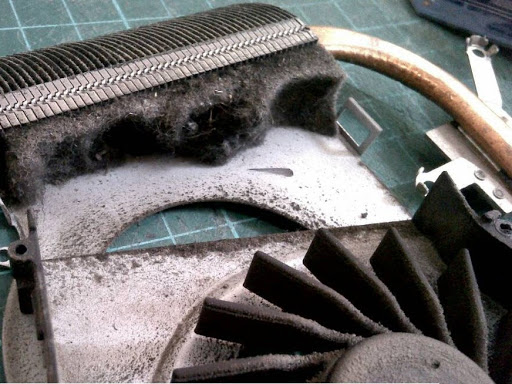
Most laptops overheat because the fan intake is blocked either from placing the laptop on a soft surface or by dust. In either case you will need to let it,
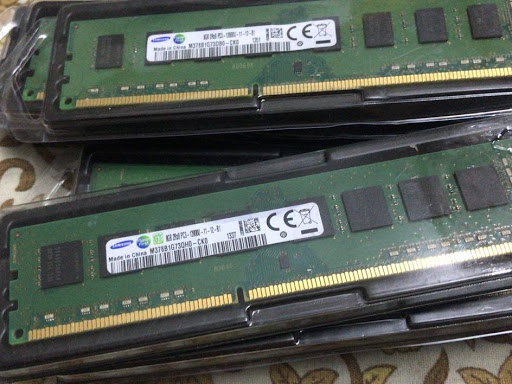
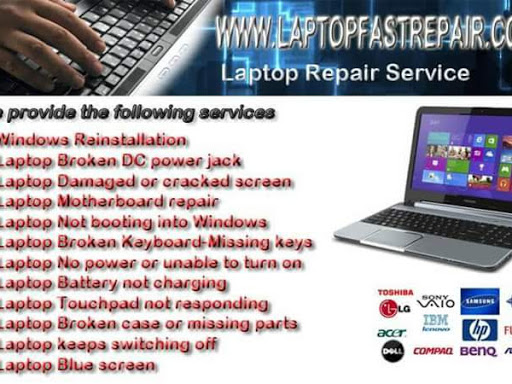
💻💻💻💻💻💻💻💻💻💻💻💻💻 PROFESSIONAL OFChiplevel Repairs & LAPTOP ACCESSORIES & LAPTOP SPARE PARTS & Desktops,Cctv Cameras,Ip Cameras ✅RANGE OF 🅿RODUCTS✅ LAPTOP HINGES LAPTOP DISPLAY CABLE LAPTOP CPUFAN LAPTOP HEATSINK LAPTOP SPEAKERS LAPTOP INVERTERS LAPTOP DC-JACK LAPTOP STRIPS & CONNECTORS LAPTOP HDD CONNECTOR CABLE LAPTOP DVDRW CONNECTOR LAPTOP ON/OFF SWITCH LAPTOP INTERNAL CEMERA LAPTOP AB.HINGES TOP COVER LAPTOP CD.BASE+PALMREST LAPTOP TOUCHPAD LAPTOP HARD DRIVE HDD LAPTOP RAM MEMORY Cctv Cameras Ip Cameras Multi Door Access Controlers FingerPrint Access And Attendance Terminals Biomatrix Access CALL FOR ATTRACTIVE PRICE 7013542051
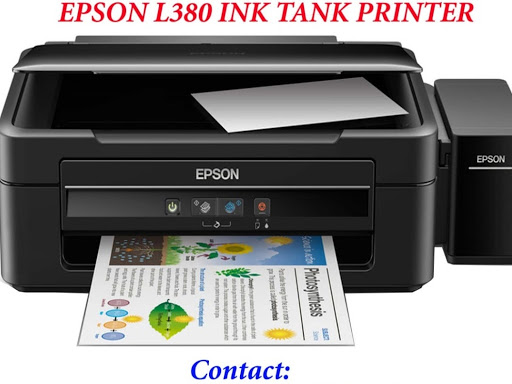
All Brands Printers,Inkjet,Laserjet,Dotmatrix,Sales&Service Here.Cartridge Refilling Tonner Refilling
ALL SIZES OF LCD'S & LED'S PEPAR LED'S NORMAL LED'S LAPTOP OG BATTRIES &ADAPTERS LAPTOP BATTERY LAPTOP KEY BOARD LAPTOP ADAPTER LAPTOP TOP COVER AB.HINGES LAPTOP C/D BASE BODY+TOUCHPAD LAPTOP PALMREST+TOUCHPAD LAPTOP HINGES LAPTOP DISPLAY CABLE LAPTOP CPU FAN LAPTOP SPEAKERS LAPTOP INVERTERS LAPTOP DC-JACK LAPTOP HEATSINK LAPTOP STRIPS & CONNECTORS LAPTOP INTERNAL CEMERA LAPTOP HDD CONNECTOR CABLE LAPTOP ON/OFF SWITCH LAPTOP WIFI CARD